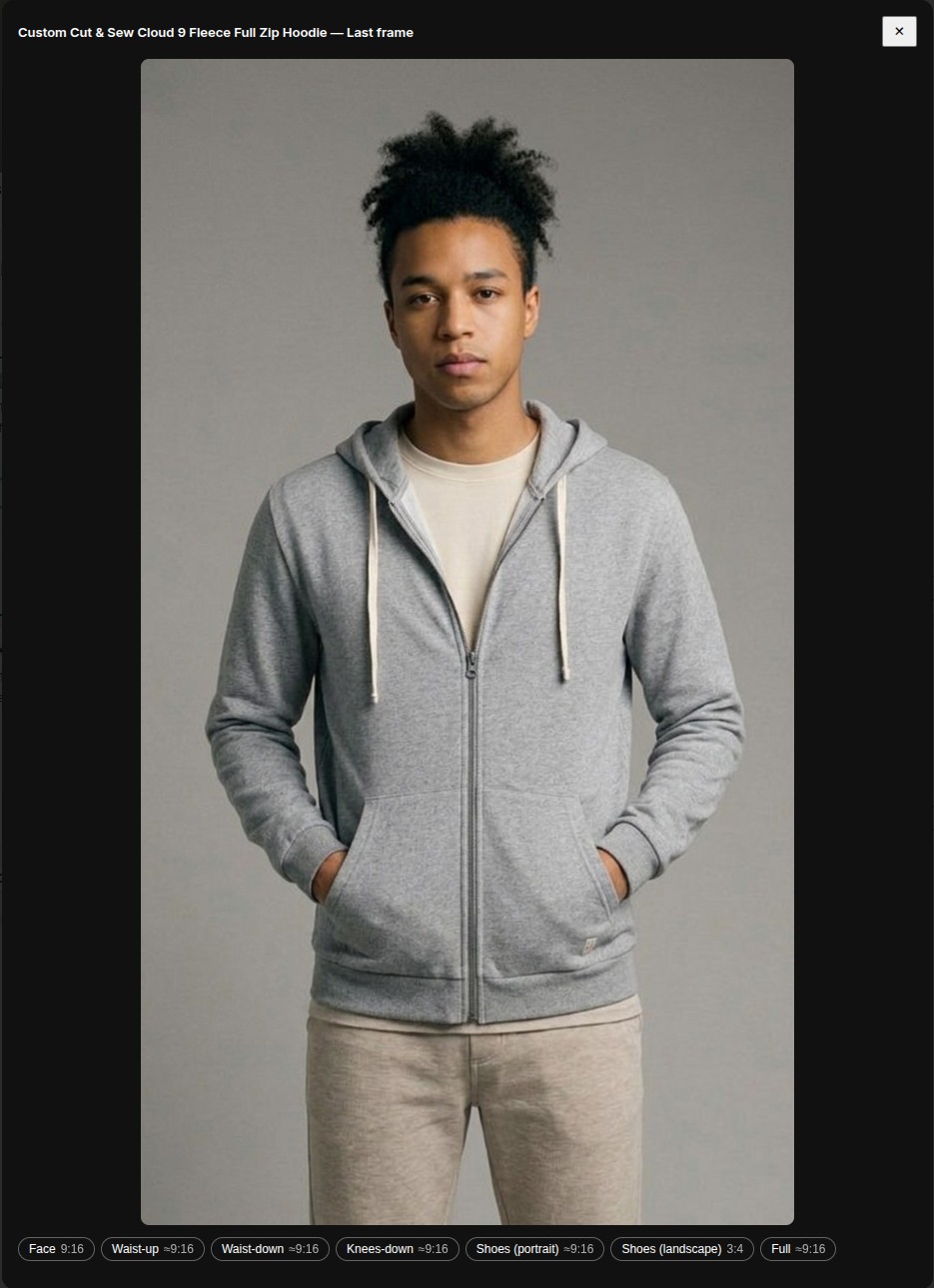
Full-bleed videos: know your ratio, crop to 9:16 first
Videos render in 9:16 — the Reels/TikTok frame. A photo that isn’t 9:16 keeps every pixel and gets soft blurred margins to fill the frame; the Instagram (4:5) and Square (1:1) downloads trim most of that away.
Prefer edge-to-edge? The Studio now tells you where you stand: your photo’s actual ratio shows on the start frame and in the format panel, with what it means for your video. And in the crop dialog, every preset chip shows the ratio it produces — on a standard photo, Full gives you exactly 9:16. ✂️
So the full-bleed recipe is one step: open the photo, crop with Full, then Animate. The last frame automatically follows your photo’s shape — crop once and the whole video is edge-to-edge.